Hearing Aid Whistling
Do you hear an annoying sharp whistling noise from your devices? This common acoustic trouble is officially called audio feedback. Moreover, it usually occurs when amplified sound leaks out of your ear. Consequently, understanding the exact mechanical reasons makes troubleshooting very easy. In this professional guide, you will learn quick practical solutions.
1. Adjusting Loose Silicone Ear Domes Correctly
A loose physical fit is the most common cause of feedback. Therefore, amplified sound slips out through small internal gaps easily.
Moreover, always use a mirror to insert the device completely.
Consequently, securing a tight seal blocks the escaping audio waves.
In addition, replace worn-out silicone domes with larger sizes if whistling continues.
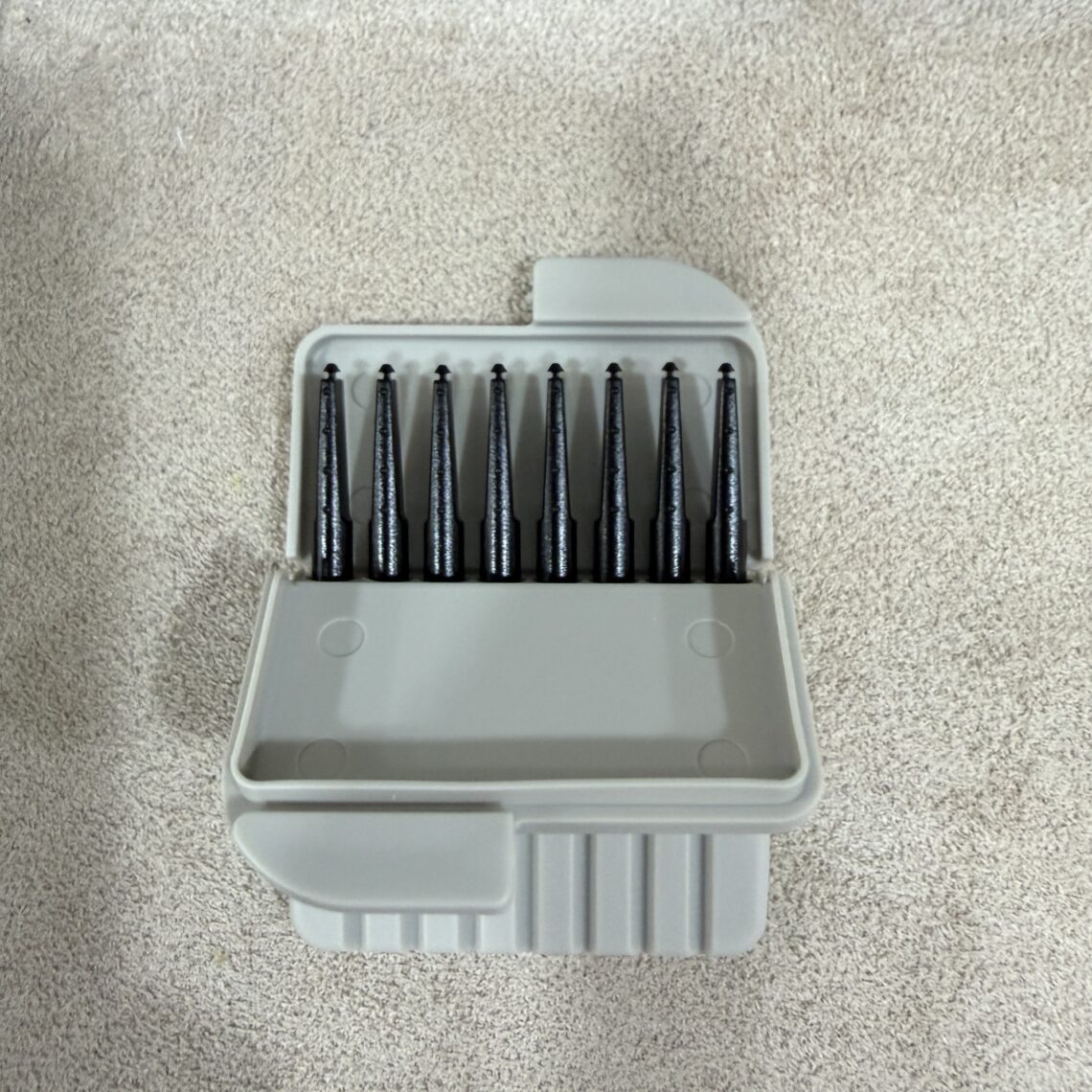
2. Removing Excessive Earwax Blockages Inside Ear Canals
Heavy earwax buildup can reflect sound waves backward inside your head. Therefore, the outgoing voice bounces off the wax wall instantly.
First, this reflected signal re-enters the outer microphone opening.
In addition, it creates a continuous loop of high-pitched squealing.
Furthermore, visit a local clinic to clean your ears safely without cotton swabs.
3. Running Digital Feedback Eraser Software Adjustments
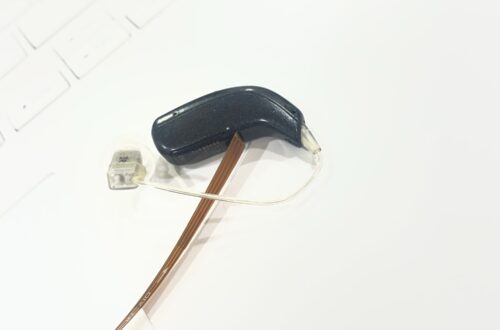
Internal hardware cracking or loose connecting tubes also trigger heavy whistling. Therefore, you must examine the physical equipment body meticulously every week.
Therefore, professional audiologists use digital fitting software to solve errors.
Furthermore, modern devices feature automatic feedback eraser chips to cancel noise.
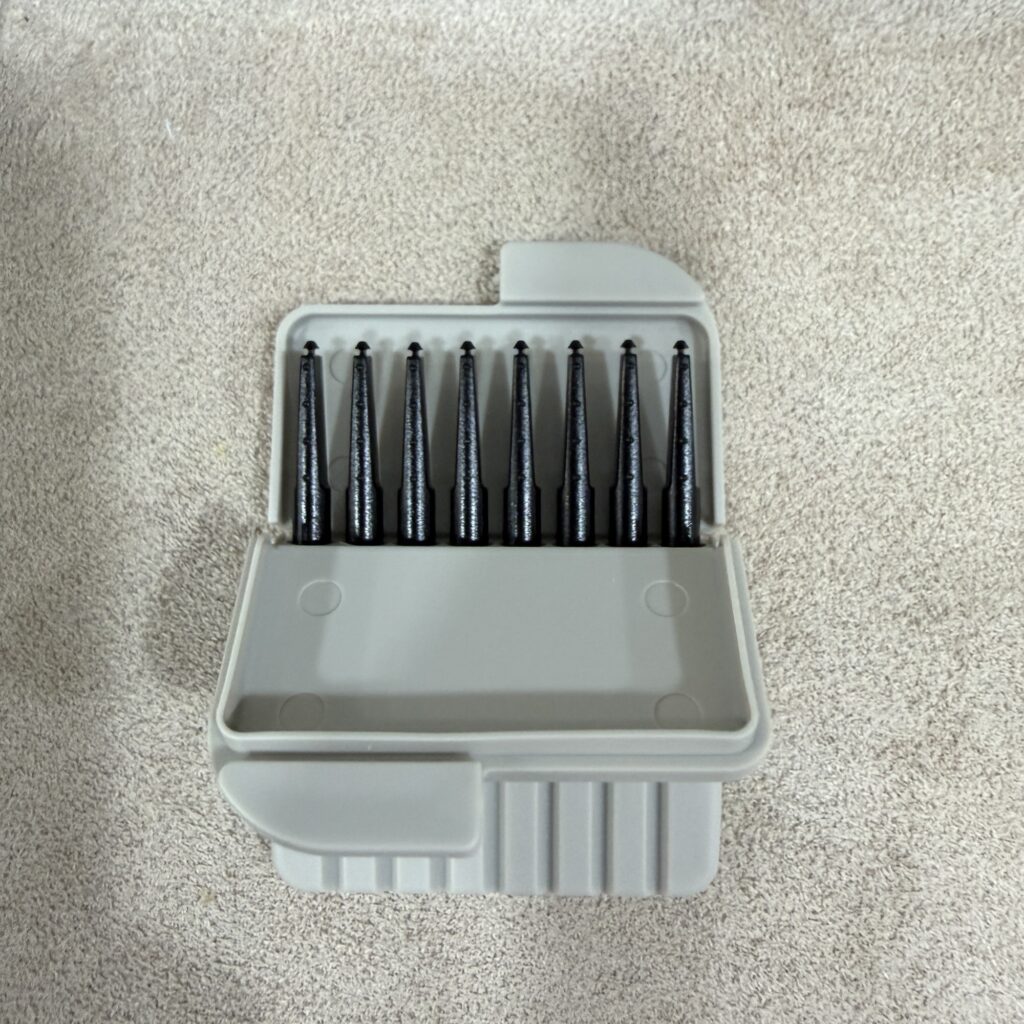
Ultimately, receiving a precise software calibration will secure your long-term communication happiness.